Gematry - Google Slide Template
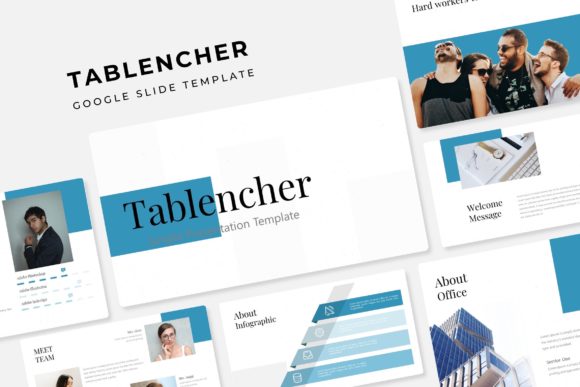
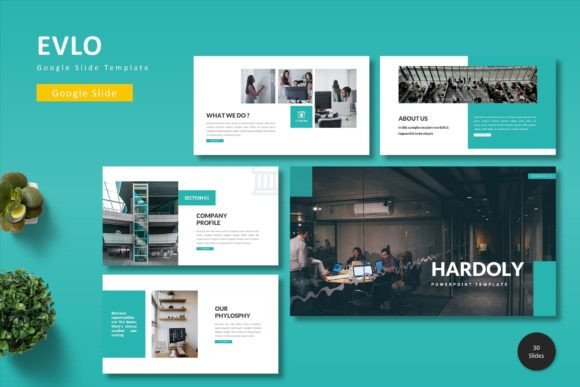
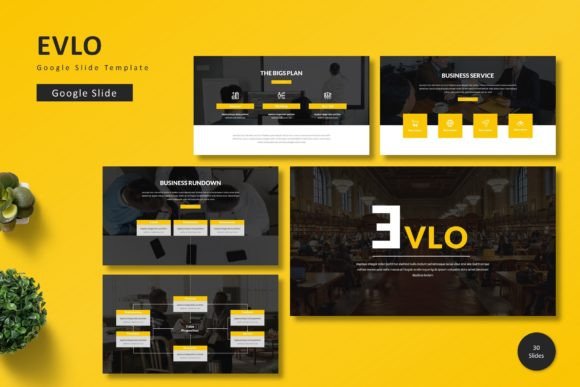
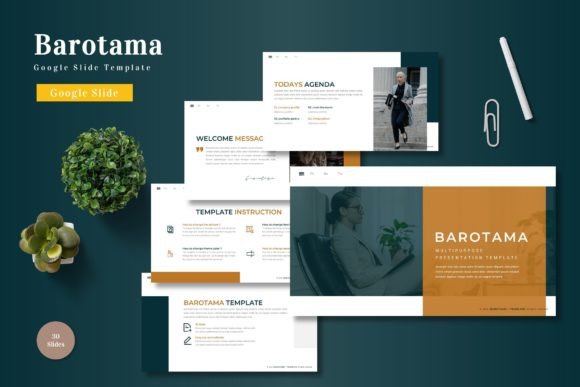
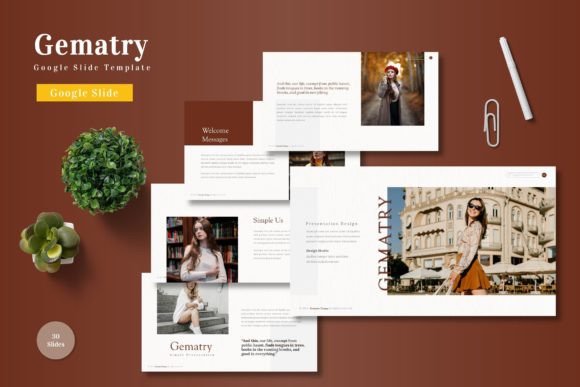
Transform your next presentation from a simple slide deck into a compelling visual story with the Gematry - Google Slide Template. This comprehensive design asset is built for creators who value both efficiency and polished aesthetics, offering a seamless way to communicate ideas with professional flair.
With Google Slide templates, you can create visually appealing presentations that effectively convey your ideas through arrangements, images, text, colors, and transitions. You can modify these templates to suit your preferences. The Gematry template elevates this process by providing a robust, pre-designed foundation that saves hours of formatting work while ensuring a high-quality, cohesive look for any project.
Key Features for Creative Flexibility
What makes this template stand out is its extensive library and thoughtful design. It includes over 150 total slides, meticulously organized into 30 slides per template across 5 premade color schemes. This variety ensures you have the perfect layout for every section of your presentation, from data-heavy content to image-centric portfolios.
- Handcrafted Infographics & Pixel-Perfect Illustrations: Visualize complex information with custom graphics that are both beautiful and clear.
- Master Slides & Drag-and-Drop Placeholders: Edit the design at its core for consistent changes, and easily insert your own images by simply dragging them into the smart placeholders.
- Fully Resizable and Editable Graphics: Every element can be scaled and customized to fit your specific content and brand guidelines without losing quality.
- Section Break & Portfolio Slides: Structure your narrative with dedicated slides for transitions and showcase your work or gallery images effectively.
Ideal Use Cases for Designers and Professionals
The versatility of the Gematry template makes it a valuable asset across numerous creative and professional fields. Its clean, modern typography and structured layouts are perfect for enhancing brand identity and ensuring visual consistency. Consider using it for:
- Business Pitches & Investor Decks: Present your ideas with a clean, confident, and organized structure that builds credibility.
- Creative Portfolios & Case Studies: Showcase your work in a gallery-style format that lets the visuals speak for themselves.
- Educational Workshops & Webinars: Deliver information in an engaging, easy-to-follow manner with well-designed infographics and section breaks.
- Marketing Reports & Social Media Strategy Presentations: Turn dry data into a compelling visual story with charts, graphs, and iconography.
Tips for Making the Most of Your Template
To ensure your final presentation aligns perfectly with your vision, start by selecting the color scheme that best matches your project's mood or your existing brand palette. Use the master slide feature to set global changes for fonts and colors, which will apply across all slides instantly. When adding your content, pay attention to readability; ensure your text has sufficient contrast against the background and that font sizes are appropriate for your presentation setting.
Finally, always review the included readme file for font and photo information. This ensures you have the correct typefaces installed for editing and understand the licensing for any included imagery. Choosing a well-designed template like Gematry is about more than just aesthetics; it's about selecting a tool that enhances your message, reflects professionalism, and streamlines your creative workflow. It’s an investment in clear, effective communication.