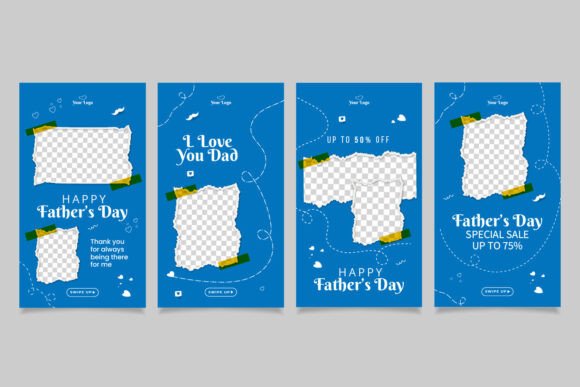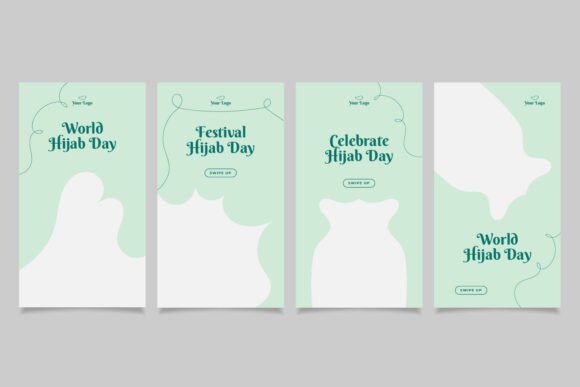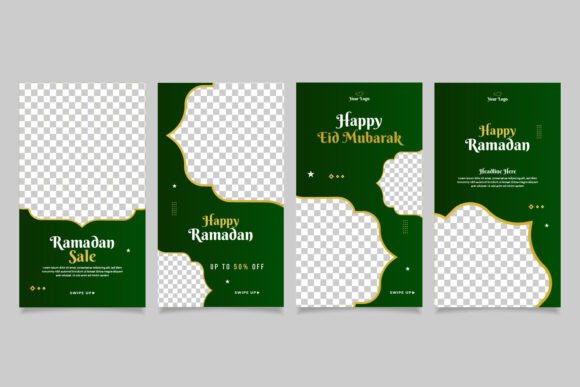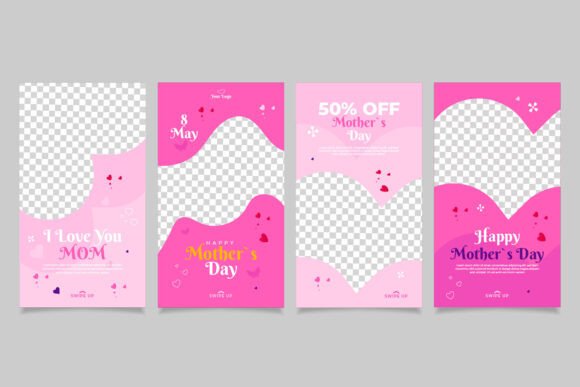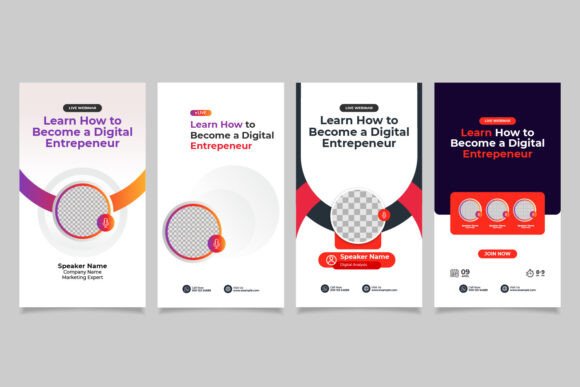
Webinar Instagram Story Template
Imagine capturing your audience's attention in the first second of a scrolling session. A well-designed Webinar Instagram Story Template is your secret weapon for making that immediate impact, turning a fleeting view into a registered attendee. This design asset isn't just a pretty frame; it's a strategic tool crafted for clarity and conversion in the fast-paced world of social media.
At its core, this template is a fully editable design layout, meticulously organized in an Illustrator EPS 10 file. Sized perfectly at 1080x1920 pixels for Instagram Stories, it offers a professional canvas that respects both your content and your audience's viewing experience. The RGB color mode ensures your visuals pop with vibrancy on screen, while the use of free fonts means you can achieve a polished look without additional licensing hurdles. It’s a premium design asset built for practicality.
Why This Template Stands Out
The true value of this Webinar Instagram Story Template lies in its blend of creative layout and user-friendly features. It’s designed for those who need to communicate essential webinar details—date, time, topic, and speaker—without sacrificing visual appeal. The clean, modern typography and strategic use of space guide the viewer's eye naturally, making information digestible at a glance.
This isn't just about one-off posts. It's about building a consistent visual language for your brand's promotional efforts. Using a cohesive template across your webinar series establishes brand recognition and professional credibility. It signals to your audience that you value quality and attention to detail, which can directly influence their decision to register.
Creative Use Cases Beyond the Webinar
While designed for webinar promotion, the versatility of this layout extends far. Its clean structure and editable nature make it adaptable for various social media graphics and digital campaigns.
- Product Launches: Adapt the template to announce new products or features, using the same compelling layout to highlight key dates and calls to action.
- Online Course Promotions: Promote enrollment periods or live Q&A sessions for educational content, maintaining a consistent and trustworthy visual identity.
- Event Invitations: Create sleek, professional invitations for virtual summits, workshops, or networking events directly within the Instagram platform.
- Brand Announcements: Use the structured design to make important company updates or partnership announcements feel more formal and impactful.
Tips for Choosing and Using Design Assets
Selecting the right template or font for a project involves more than just liking how it looks. Here are a few practical considerations to ensure your design assets work hard for you:
- Prioritize Readability: A beautiful serif font or script font might look stunning, but if it's hard to read at small sizes or on mobile screens, your message gets lost. Always test your chosen typeface at the intended final size.
- Match the Mood: Does the aesthetic of the template or font align with your brand's personality? A modern sans-serif font conveys sleekness and innovation, while a handwritten font adds a personal, approachable touch. Ensure the design assets reflect the tone of your webinar topic.
- Consider Font Pairing: Great design often involves pairing a display font for headlines with a more neutral, readable font for body text. This creates visual hierarchy and improves overall legibility.
- Check the License: Even with "free fonts," it's crucial to verify the license for your intended use, especially for commercial projects. This template notes that images are not included, reminding you to source visuals that complement, not clash with, your new design layout.
The right design asset is an investment in your brand's visual consistency and professional presentation. A thoughtfully constructed template or a carefully chosen typeface can elevate your social media graphics, web design, and overall brand identity